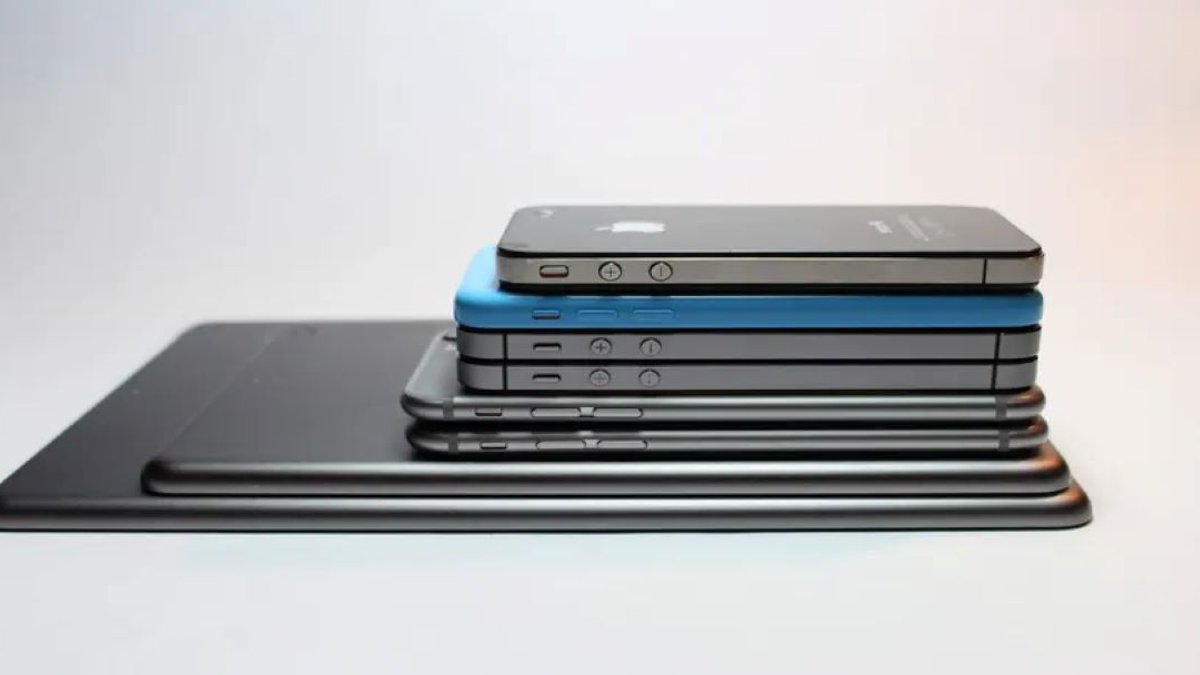
Nigeria’s National Information Technology Development Agency (NITDA) is concluding this year’s National Cybersecurity Awareness Month, with the theme “Together for a Safe Cyberspace.” This initiative shows the importance of smartphone security, especially when purchasing used or refurbished devices, which are highly popular in Nigeria.
Aside from online scams and data breaches, securing your smartphone is a critical aspect of cybersecurity, particularly when dealing with pre-owned devices. The campaign emphasizes the need for vigilance in this area.
Stricter Regulations for Unapproved Smartphones
The Nigerian Communications Commission (NCC) has initiated stricter regulations for unapproved smartphones, including a 30-day ultimatum for affected devices that fail to meet the verification requirements. This enforcement aims to ensure devices connected to Nigerian networks meet the required standards. However, the impact may be less severe for existing users than initially feared.
According to the NCC, approximately 231 million devices connected to Nigerian networks before October 7 were automatically verified. This leaves new or previously unused devices with unresolved approval or verification issues as a particular concern for buyers. Still, even a phone that passes the NCC checks can have some hidden hardware problems, a questionable repair history or security risks left behind by its previous owner.
Verifying Used or Refurbished Smartphones
Examine the physical hardware: Inspect the phone’s exterior for dents, uneven gaps, loose buttons, and damaged charging ports, which may indicate prior damage or subpar repairs. Test the screen for discoloration, touch-response issues, and uneven brightness. A replacement screen isn’t inherently problematic, but low-quality or poorly installed panels can degrade display quality and, in some cases, impair biometric authentication.
Verify the IMEI and serial number: Dial #06# to display the International Mobile Equipment Identity (IMEI) numbers and compare them with those in the phone’s settings and original packaging. For iPhones, use Apple’s official coverage checker. Most importantly, use the NCC’s official Device Checker to check the device’s approval and verification status.
Testing Hardware Security Features
A smartphone’s security extends beyond its screen and processor. Test the fingerprint sensor, face recognition, cameras, microphones, speakers, and proximity sensor. Pay close attention to biometric authentication after screen or front-camera replacements, as some devices require approved components and proper calibration for these features to function correctly.
Check the charging port, battery health, Wi-Fi, Bluetooth, mobile data, and SIM connectivity. A phone with poor network reception or an overheating battery may cost more to repair than its purchase price.
Removing Factory Reset Protection
Factory Reset Protection (FRP) is an Android security feature preventing unauthorized use after a reset. Ensure the previous owner’s Google account is removed and perform a factory reset yourself. For iPhones, verify that Activation Lock is disabled and that the seller has signed out of their Apple Account, erased the device, and allowed you to activate it with your own account.
Before finalizing the purchase, confirm the phone runs the expected operating system and receives updates through its normal settings. Look for unfamiliar administrator apps, suspicious permissions, unexpected pop-ups, or signs of unofficial firmware. On Android, check if the device is Play Protect certified through the Google Play Store settings. Avoid phones requiring unexplained modifications or unofficial tools to function normally. Finally, reset the phone only after completing your checks and confirming everything is in order to ensure your new device is secure and functions as expected.


