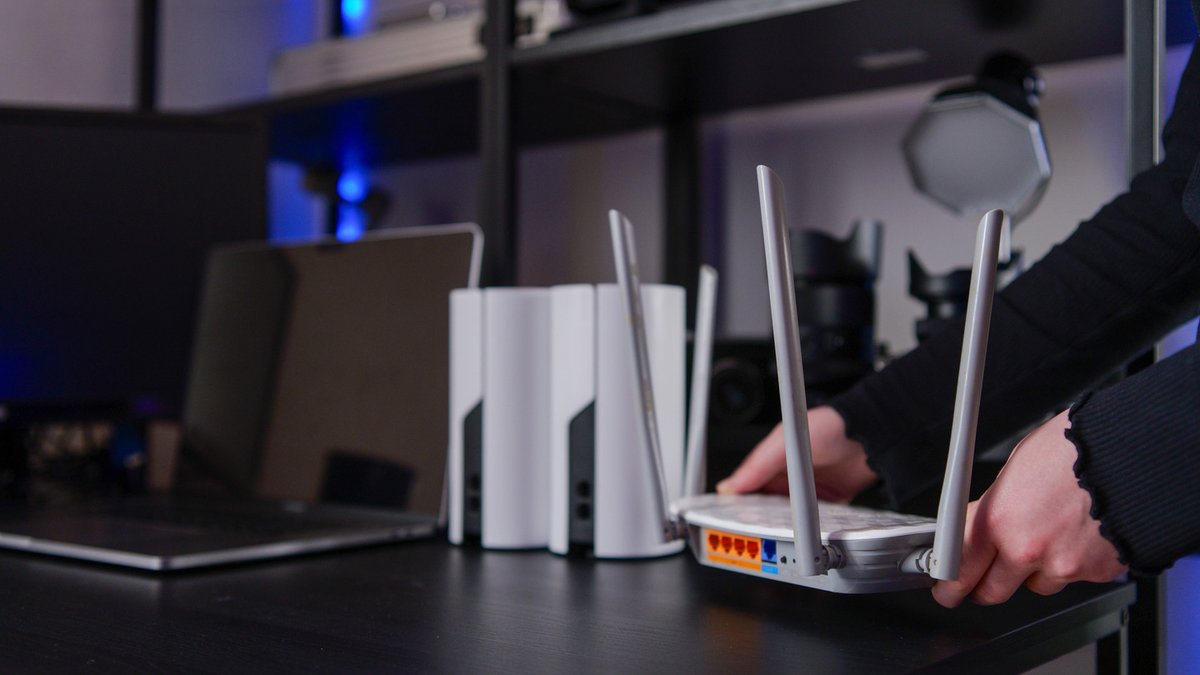
A mesh Wi-Fi system can cut down on gaming lag, though it cannot remove it entirely. The core issue lies in Wi-Fi’s shared bandwidth and half-duplex operation, where data moves in only one direction at a time. While signal encoding introduces minor delays, the greater problems occur when networks are packed with devices or blocked by walls and interference. Mesh systems distribute coverage more evenly, yet they still fall short of matching the ultra-low latency of a wired Ethernet connection.
These networks boost stability by deploying multiple nodes to expand range, addressing dead zones where signals might fail. The most significant improvement comes from dedicated wireless backhaul—some systems use the less crowded 6 GHz band to link nodes, which leaves more bandwidth available for gaming devices. While this approach does not resolve congestion from other devices on the same network, it can reduce delays when interference is the primary bottleneck.
Before purchasing a mesh system, users should first verify whether lag stems from basic setup flaws. Placing routers in corners or behind appliances weakens signal strength, and outdated hardware may struggle with modern data demands. A simple reboot can resolve temporary slowdowns, and Wi-Fi 6 or Wi-Fi 7 routers often perform as well as specialized gaming models. However, mesh networks offer no advantage if the internet plan lacks sufficient bandwidth, streaming, downloads, or cloud gaming can overwhelm even the strongest Wi-Fi signal.
Internet service providers sometimes throttle speeds during peak hours or after data caps are reached. A VPN and speed test can expose throttling: comparing results with the VPN enabled and disabled reveals whether speeds are being artificially limited. If a noticeable drop occurs, upgrading the plan or switching providers may be more effective than investing in a mesh system.
While mesh Wi-Fi does not eliminate lag, it can mitigate issues tied to weak signal strength or poor coverage. The most effective solutions often begin with basic troubleshooting, adjusting router placement, updating hardware, or ensuring adequate bandwidth, before exploring pricier upgrades.
For competitive gamers, the best approach combines a wired Ethernet connection for critical devices with a mesh network to cover peripheral areas. Even then, external factors like ISP throttling or network congestion may still require separate solutions. The choice ultimately depends on whether the primary issue is signal quality, hardware limitations, or bandwidth constraints.


