The shift toward USB‑C has made many older connectors redundant, but a few adapters remain essential for bridging legacy devices and newer hardware.
Keep the essential adapters nearby.
Keep USB‑C ↔ USB‑A adapters on hand
USB‑C has become the default port for smartphones, tablets, headphones, game controllers and many Bluetooth speakers. At the same time, USB‑A persists on desktop PCs, laptops, and in‑car chargers. Having adapters that work both ways lets you connect an older USB‑A mouse to a laptop that only offers USB‑C ports, or plug a USB‑C external SSD into a spare USB‑A slot when the sole USB‑C port is needed for charging.
Related: Honda Teams Up on Battery Tech
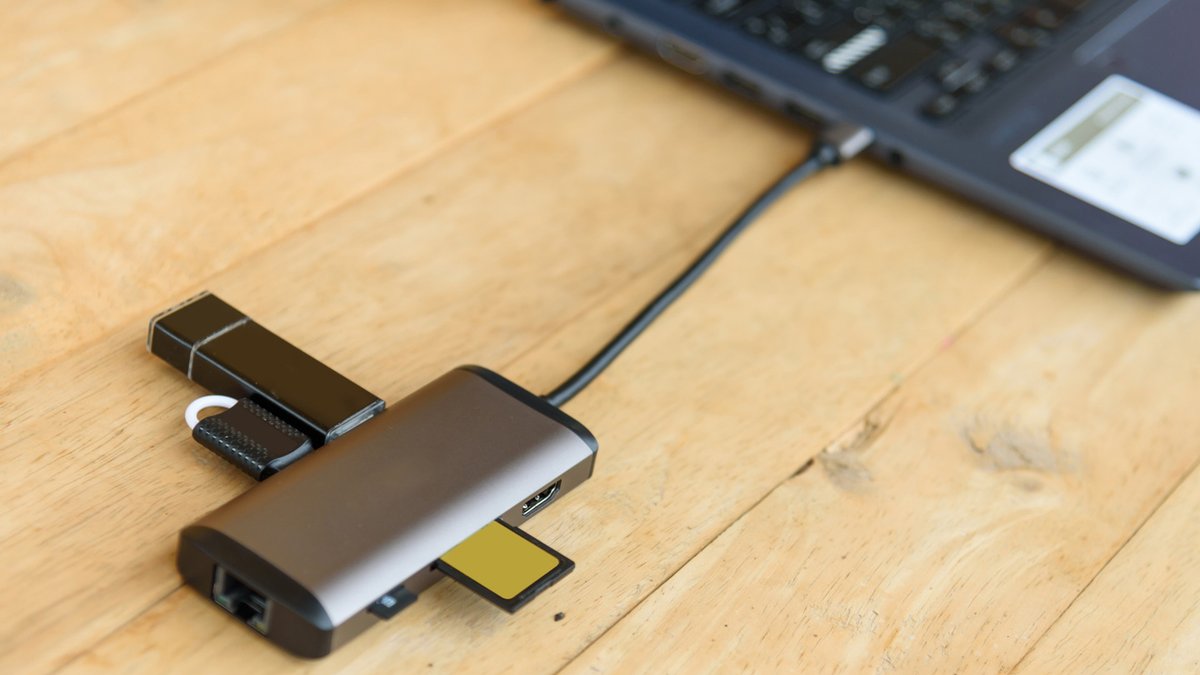
Beyond single‑port converters, a versatile USB‑C hub can add SD card slots, Ethernet, HDMI and extra USB‑A ports. With many thin laptops offering just one or two USB‑C ports, such hubs provide the flexibility many users need without adding bulk.
Other adapters worth retaining
Apple’s Lightning connector still powers iPhones released before the 2023 iPhone 15 series, iPads before the 10th‑generation model, and accessories like older AirPods or the Siri Remote. Lightning‑to‑USB‑C adapters let you charge these devices with modern USB‑C chargers or use USB‑C peripherals with older Apple hardware.
Because most new smartphones and tablets have dropped the headphone jack, a USB‑C to 3.5 mm adapter remains handy for wired headphones or car aux cables. Choose a split‑type adapter that supports simultaneous charging and audio to avoid swapping cables.
Related: ZuriQ secures $25.5M for quantum processor growth
Wi‑Fi or Bluetooth dongles that plug into a USB port can be a rescue tool for desktop PCs lacking built‑in wireless. While new desktops often include Wi‑Fi, keeping a spare dongle can save time if an internal adapter fails or if you’re assembling a budget system.
Adapters you can discard
Choosing a practical kit
These kits simplify inventory by covering the most common connections without excess bulk. Fixed‑end cables—like a USB‑C to Lightning cord—eliminate the need for a separate adapter but lack the flexibility of interchangeable pieces.
In short, retain USB‑C ↔ USB‑A converters, Lightning adapters for older Apple gear, USB‑C to 3.5 mm audio plugs, and spare wireless dongles. Discard serial, parallel, PS/2 adapters unless you have specific legacy devices that still rely on them. By focusing on the connectors that bridge current and recent hardware, you can keep your cable drawer lean while staying ready for the devices you actually use.
